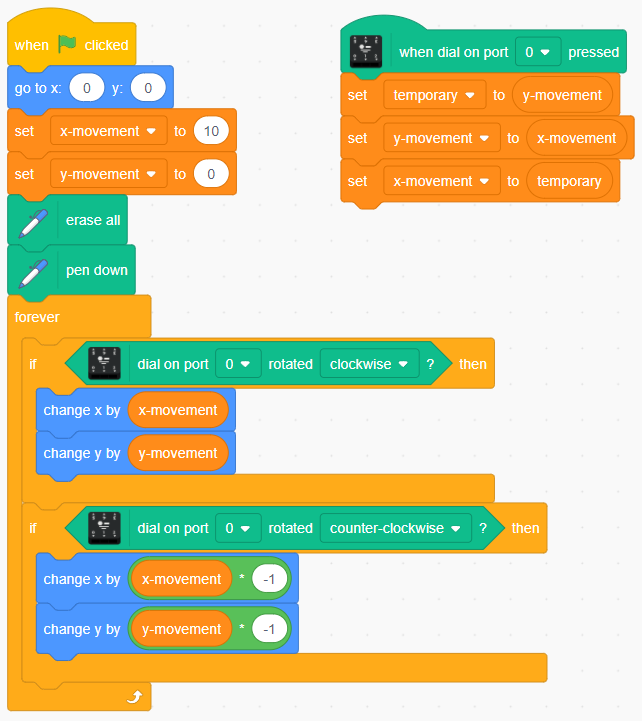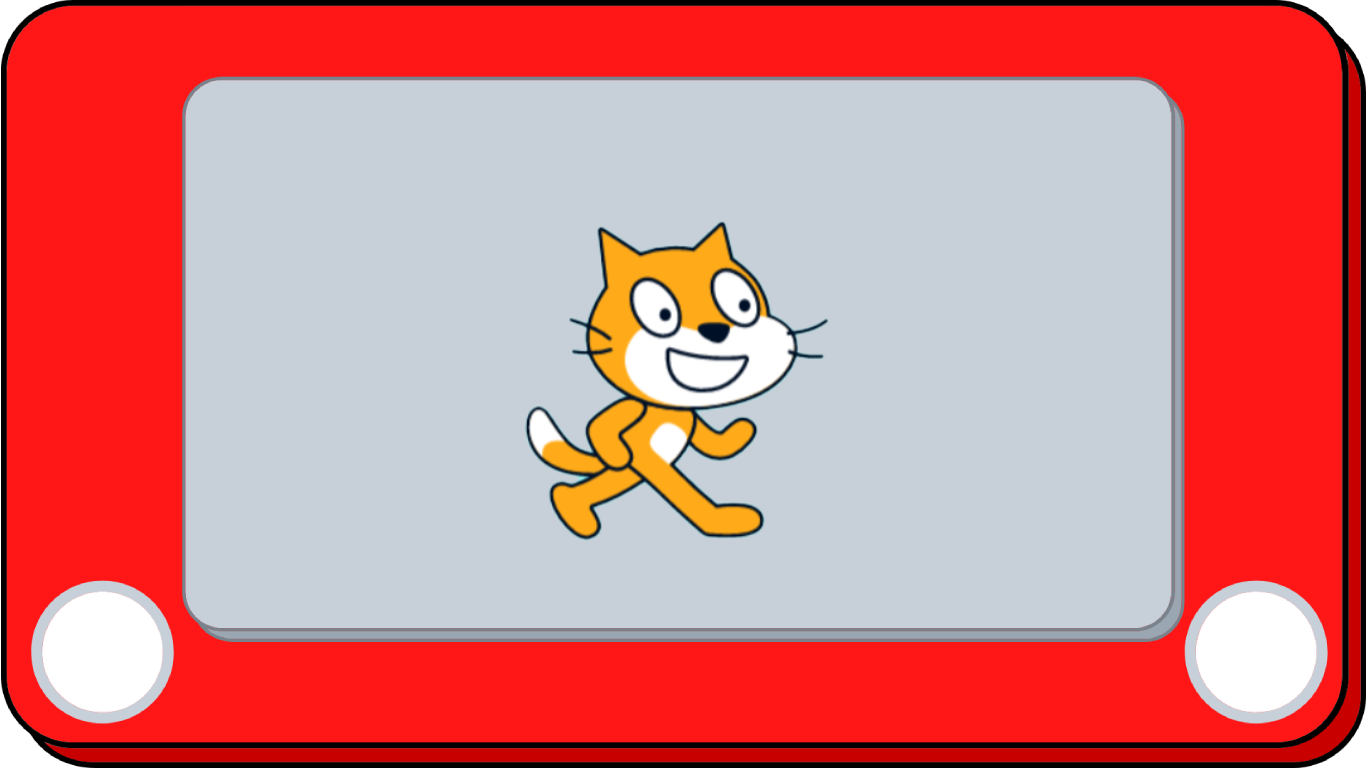
Use your Dial Phidget to create a sketcher!

Setup

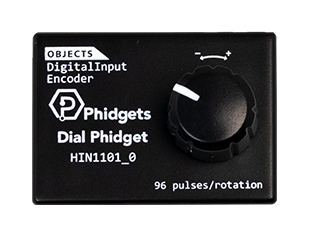
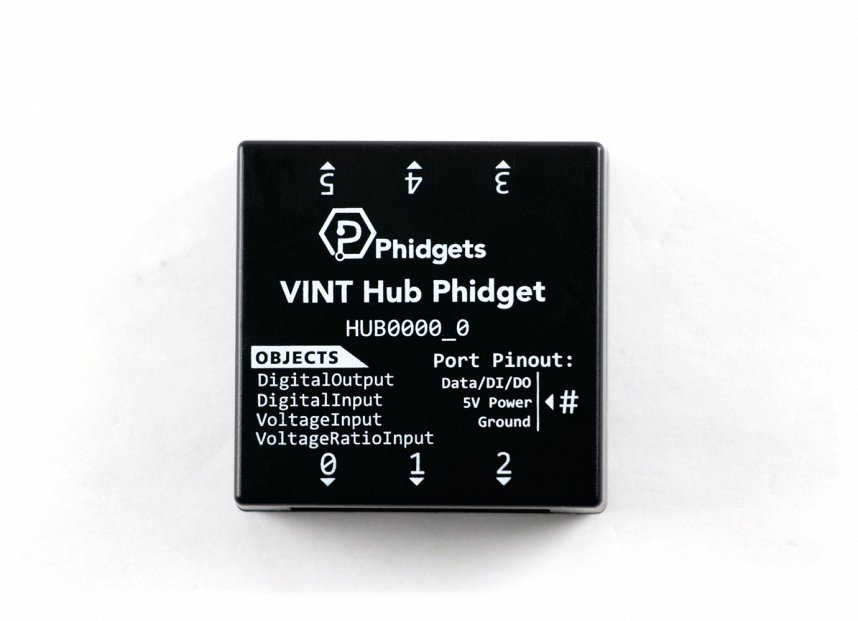
Dial Phidget

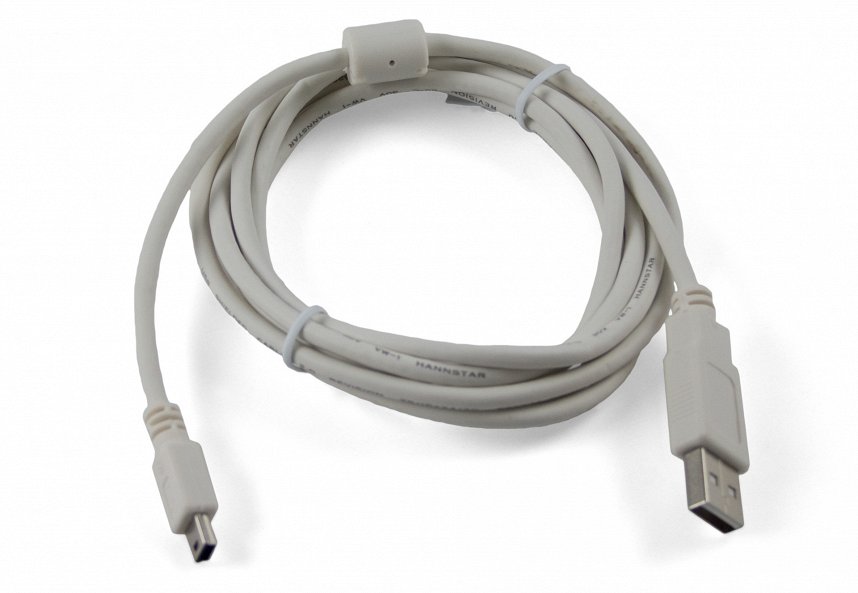
USB cable

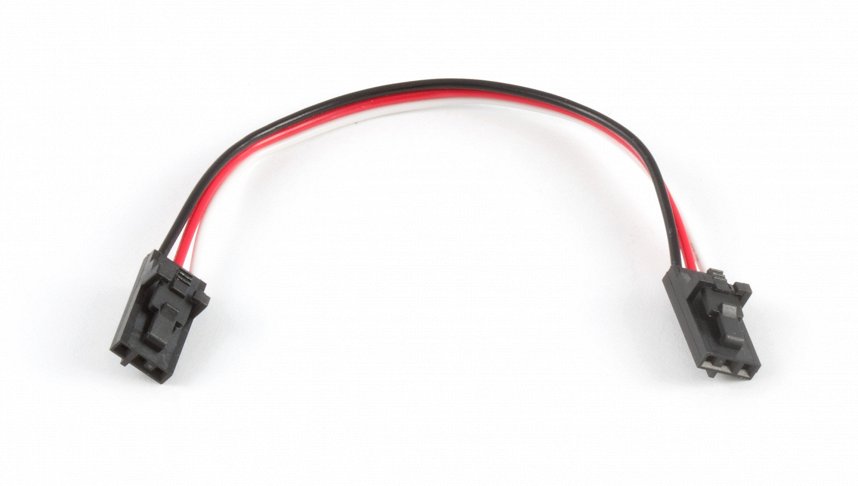
Phidget cable

Connect

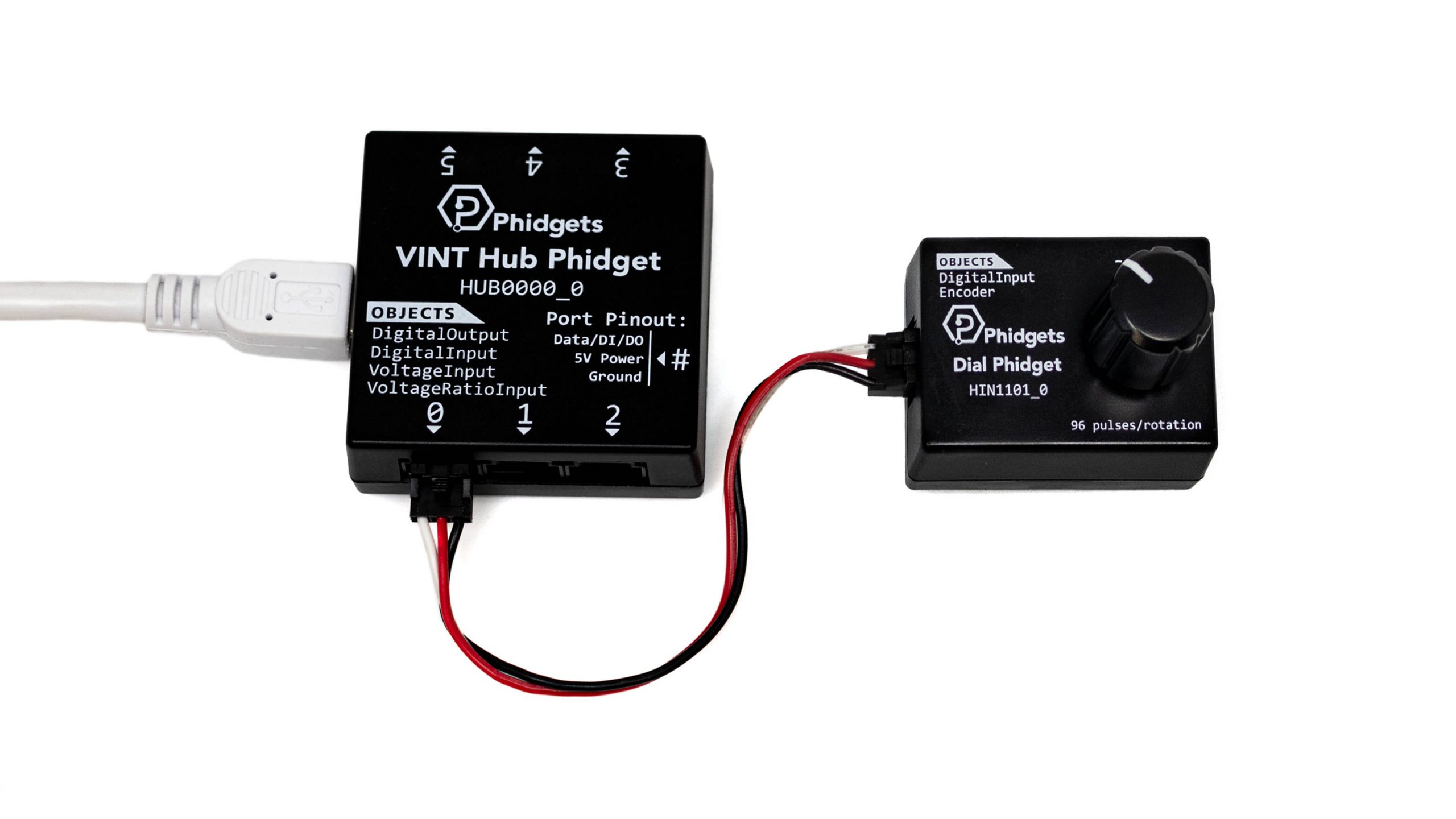
Connect the Dial Phidget to your VINT Hub, and your VINT Hub to your computer.
Practice

  1. Try using one button from your Getting Started Kit to change the pen color.
  2. Try using one button from your Getting Started Kit to change the pen size.
  3. Try adding another Dial Phidget to your project. One Dial Phidget can be used to control the pen moving up and down, and the other can be used for left and right.

What are Phidgets?

Phidgets are programmable USB sensors. Simply plug in your sensor, write code in your favorite language and go!

Phidgets have been used by STEM professionals for over 20 years and are now available to students.

Learn more

Set your preferences

Windows

Mac OS

Raspberry Pi

Java

Python

C#

Swift

NetBeans

Processing

Eclipse

Thonny

PyCharm

PyScripter

Visual Studio

Xcode

Setting your preferred operating system, programming language and environment lets us display relevant code samples for the Getting Started Tutorial, Device Tutorials and Projects

Done