Products for USB Sensing and Control



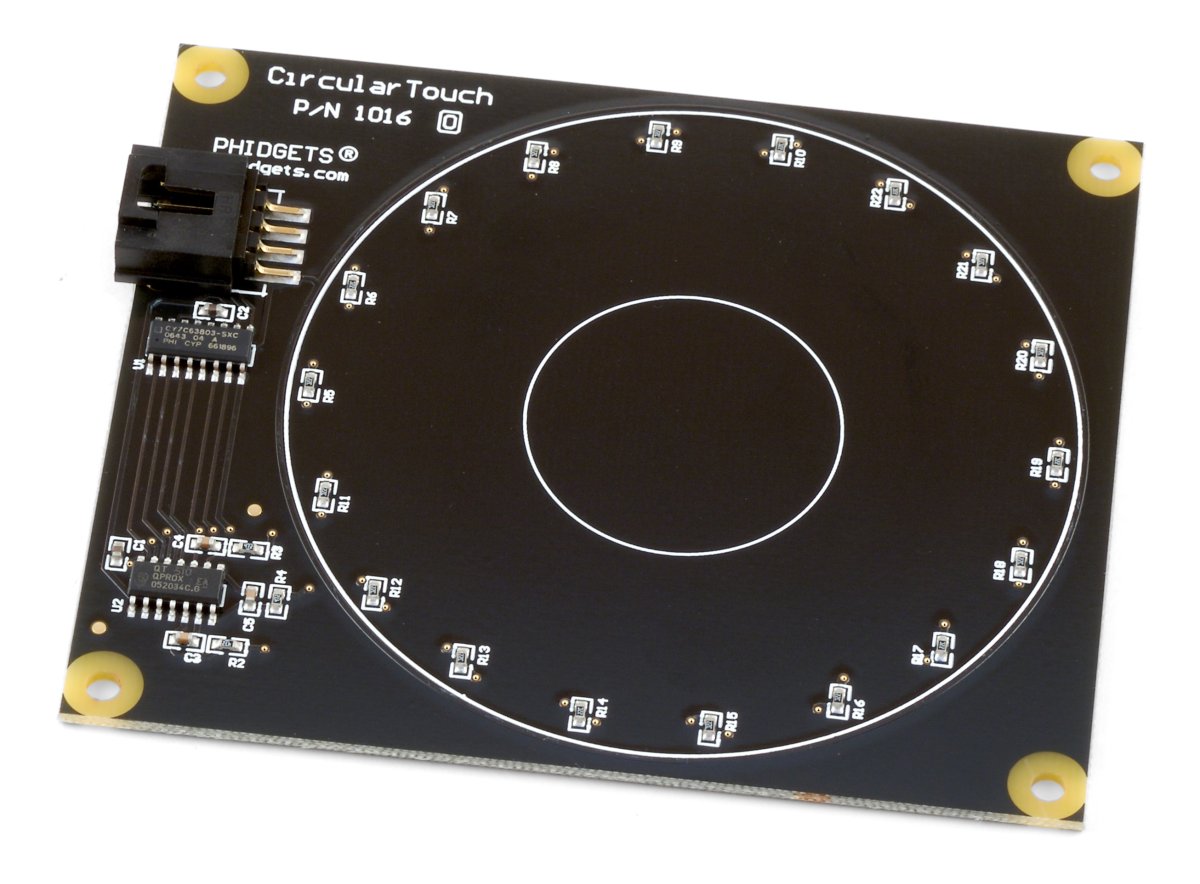
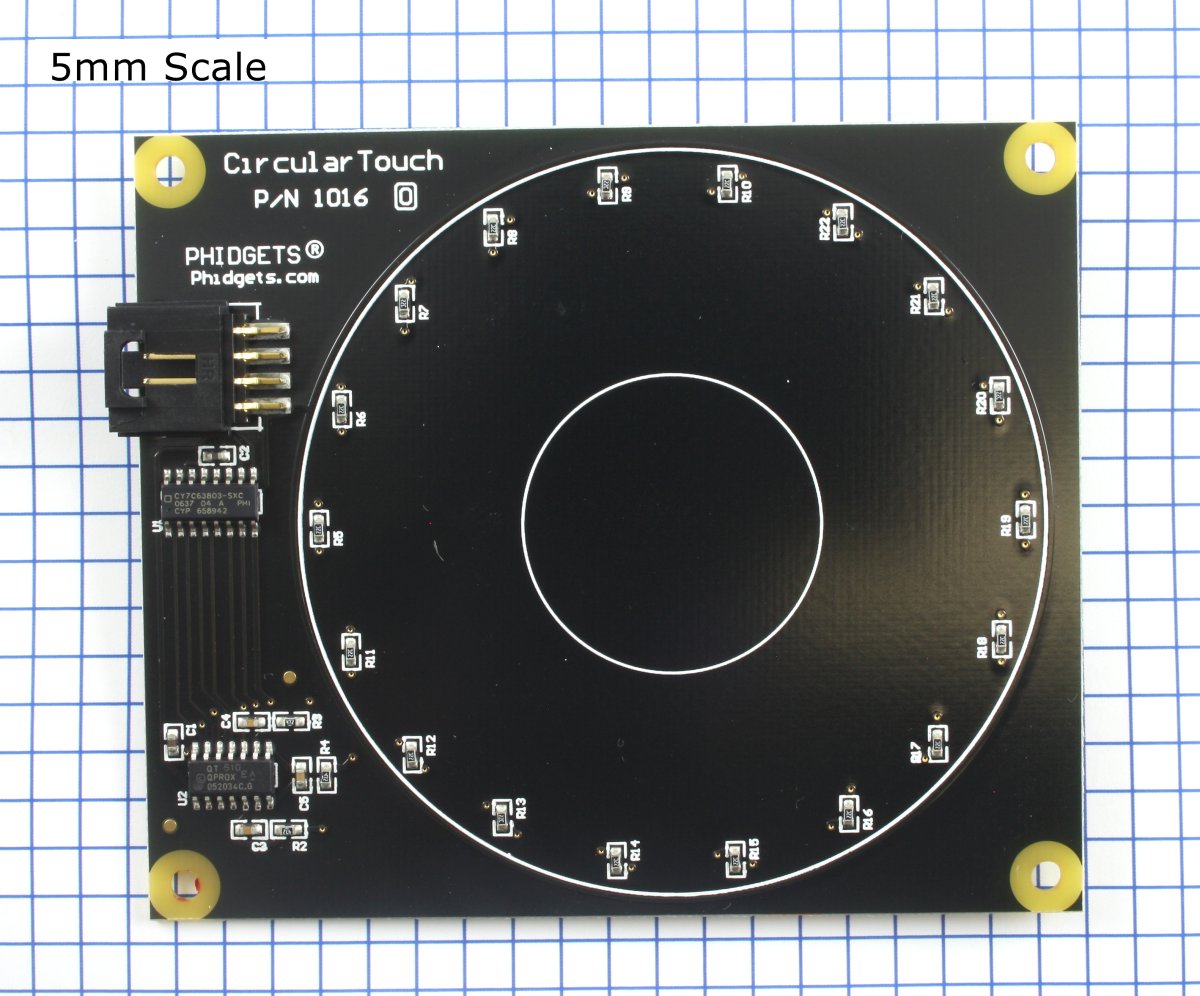
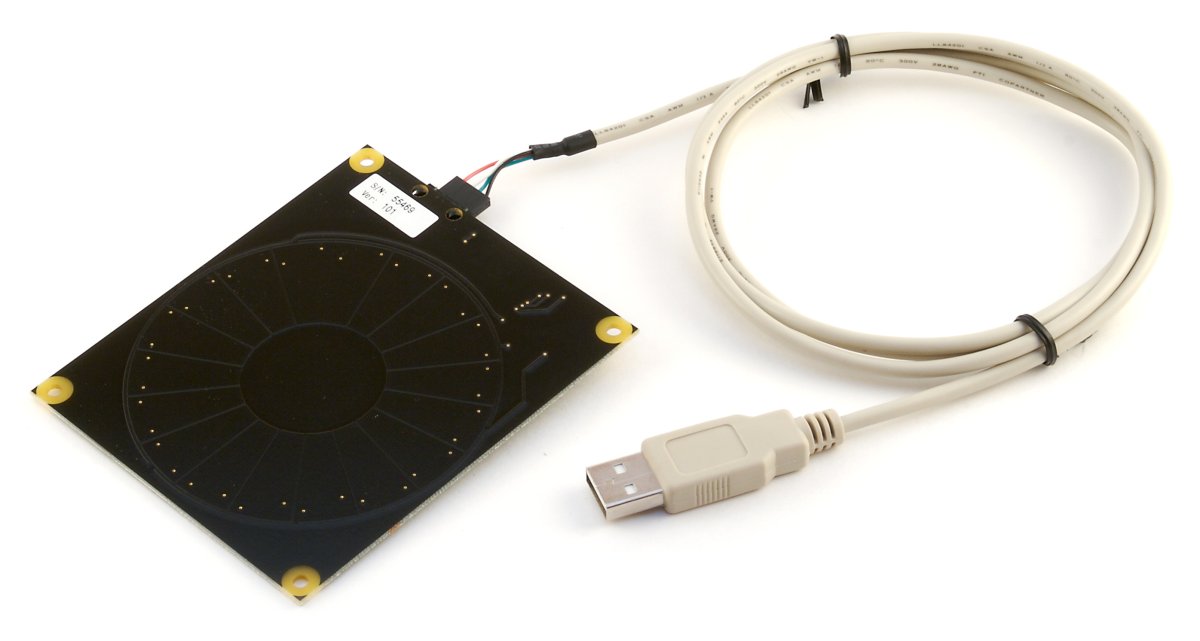
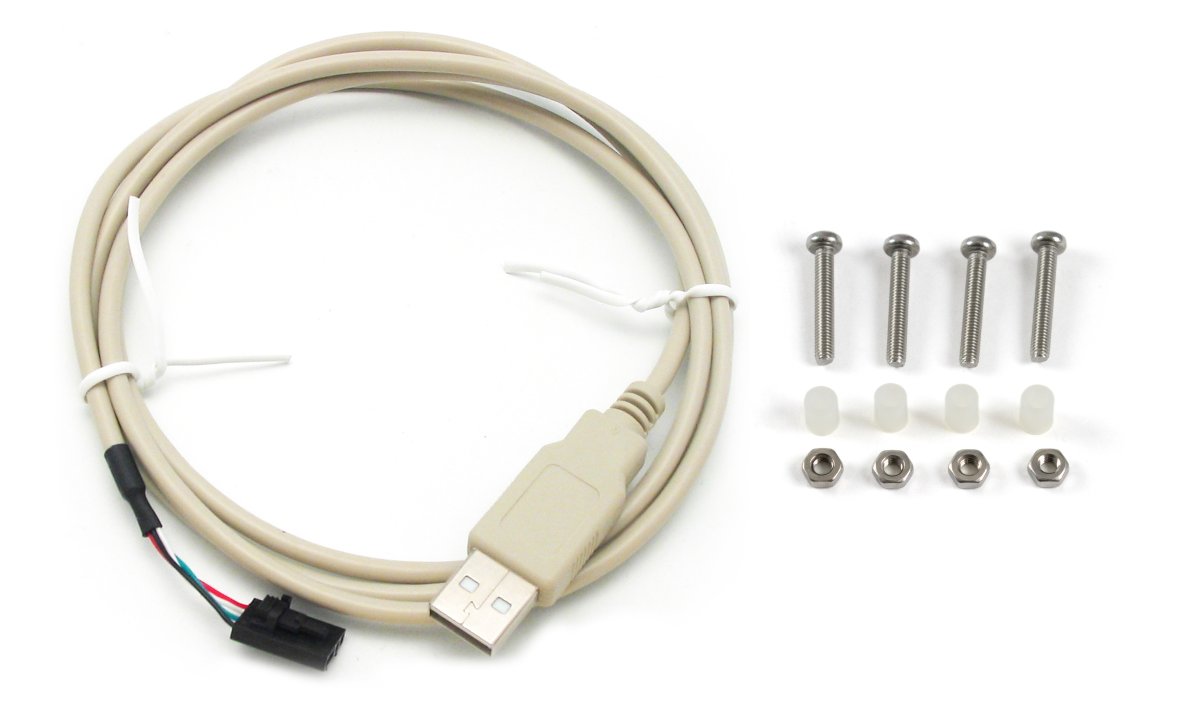



The 1016_0 detects changes in the capacitance between the on-board electrodes and the object making contact. The side of the circuit board opposite the connector and components is the side intended for contact.
The 1016 can be mounted behind a sheet of glass or plastic; The recommended thickness is 1/8 inch. Use Silicon adhesive when attaching the Phidget to the material; standing the PhidgetCircularTouch off or creating space between the separation material and the Phidget can cause false-triggering to occur. Materials thicker than 1/8” may work, but will require a larger surface area of contact to ensure proper triggering (i.e.: two fingers instead of one).
Sliding a finger along the touch sensor varies the Analog Input 0 value from 0V to 5V in approximately 125 discrete steps. When the finger is removed, the final measured value is retained. Two Digital Inputs are used to convey additional information: Digital Input 0 is True when contact is made with the Phidget, and Digital Input 1 is True when a finger or object comes in close proximity to the board. The Analog Input value is valid when both Digital Inputs are true.
The PhidgetCircularTouch connects directly to your computer via USB, and behaves like an InterfaceKit in software.
Welcome to the 1016 user guide! In order to get started, make sure you have the following hardware on hand:
Next, you will need to connect the pieces:
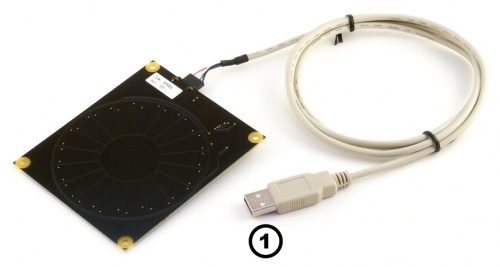
Now that you have everything together, let's start using the 1016!
In order to demonstrate the functionality of the 1016, the Phidget Control Panel running on a Windows machine will be used.
The Phidget Control Panel is available for use on both macOS and Windows machines.
To open the Phidget Control Panel on Windows, find the  icon in the taskbar. If it is not there, open up the start menu and search for Phidget Control Panel
To open the Phidget Control Panel on macOS, open Finder and navigate to the Phidget Control Panel in the Applications list. Double click on the icon to bring up the Phidget Control Panel.
For more information, take a look at the getting started guide for your operating system:
Linux users can follow the getting started with Linux guide and continue reading here for more information about the 1016.
After plugging the 1016 into your computer and opening the Phidget Control Panel, you will see something like this:
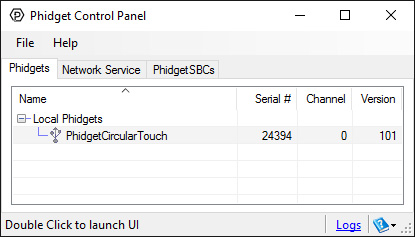
The Phidget Control Panel will list all connected Phidgets and associated objects, as well as the following information:
The Phidget Control Panel can also be used to test your device. Double-clicking on an object will open an example.
Double-click on the Capacitive Touch object labelled PhidgetCircular Touch in order to run the example:
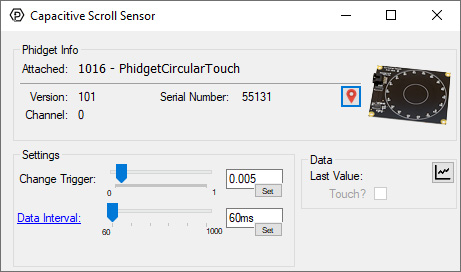
General information about the selected object will be displayed at the top of the window. You can also experiment with the following functionality:
Before you can access the device in your own code, and from our examples, you'll need to take note of the addressing parameters for your Phidget. These will indicate how the Phidget is physically connected to your application. For simplicity, these parameters can be found by clicking the button at the top of the Control Panel example for that Phidget.
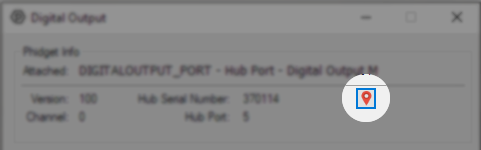
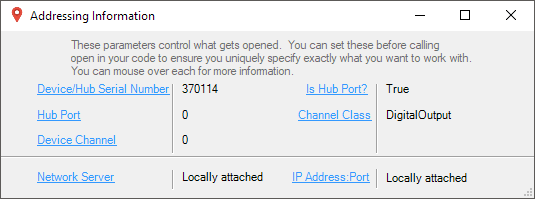
In the Addressing Information window, the section above the line displays information you will need to connect to your Phidget from any application. In particular, note the Channel Class field as this will be the API you will need to use with your Phidget, and the type of example you should use to get started with it. The section below the line provides information about the network the Phidget is connected on if it is attached remotely. Keep track of these parameters moving forward, as you will need them once you start running our examples or your own code.
You are now ready to start writing your own code for the device. The best way to do that is to start from our Code Samples.
Select your programming language of choice from the drop-down list to get an example for your device. You can use the options provided to further customize the example to best suit your needs.
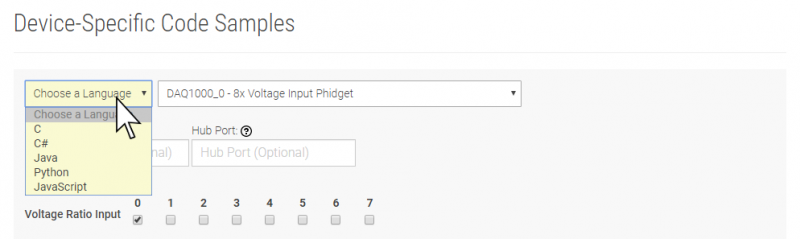
Once you have your example, you will need to follow the instructions on the page for your programming language to get it running. To find these instructions, select your programming language from the Programming Languages page.
The 1016 appears to the Phidget libraries as a CapacitiveTouch object. Sliding a finger around the touch sensor varies the axis value from 0 to 1 in approximately 125 discrete steps. When the finger is removed, the final measured value is retained.
If it is desired to use the touch slider as an array of buttons, or a combination of an array of buttons and a smaller slide-touch area, one must only interpret specific sub-ranges of sensor values differently in software depending upon the intended use. If sub-ranges of values are to be used as buttons, it is recommended that a small range of sensor values be left between the sub-ranges where a null-response is observed.
The 1016 has been left without components on the contact side so that it may be mounted behind a sheet of glass or plastic. The recommended thickness of separation material is 1/8". Silicon adhesive is recommended when attaching the Phidget to the material; standing the 1016 off or creating space between the separation material and the Phidget can cause false-triggering to occur.
It should be noted that materials thicker than 1/8" may work, but will require a larger surface area of contact to ensure proper triggering (i.e. two fingers instead of one). Increasing the surface area of the contacting object helps to increase the measurable capacitance at the point of contact that further seperation causes to reduce, balancing these factors out.
| Sensor Properties | |
|---|---|
| API Object Name | CapacitiveTouch |
| Controlled By | USB (Mini-USB) |
| Sensor Type | Touch (Capacitive) |
| Detecting Distance Max | 10 mm |
| Electrical Properties | |
| Current Consumption Max | 36 mA |
| USB Speed | Low Speed |
| Physical Properties | |
| Operating Temperature Min | 0 °C |
| Operating Temperature Max | 70 °C |
| Customs Information | |
| Canadian HS Export Code | 8471.80.00 |
| American HTS Import Code | 8471.80.40.00 |
| Country of Origin | CN (China) |
| Date | Board Revision | Device Version | Comment |
|---|---|---|---|
| August 2005 | 0 | 100 | Product Release |
| January 2006 | 0 | 101 | Design migrated to Encore II processor |
| January 2007 | 0 | 102 | Bus reset/low voltage reset defined |
| Channel Name | API | Channel |
|---|---|---|
| Capacitive Scroll Sensor | CapacitiveTouch | 0 |
| API | Detail | Language | OS | |
|---|---|---|---|---|
| CapacitiveTouch | Visual Studio GUI | C# | Windows | Download |
| CapacitiveTouch | JavaScript | Browser | Download | |
| CapacitiveTouch | Objective-C | macOS | Download | |
| CapacitiveTouch | Swift | macOS | Download | |
| CapacitiveTouch | Swift | iOS | Download | |
| CapacitiveTouch | Visual Basic .NET | Windows | Download | |
| CapacitiveTouch | Max/MSP | Multiple | Download |